
Start with the right logo file
The best starting point is a clean, editable logo file. For most branding methods, vector artwork gives the sharpest result because it can be scaled without losing quality. If you only have a small image from a website or social media, the print may look soft on a bag panel and that can affect approval.
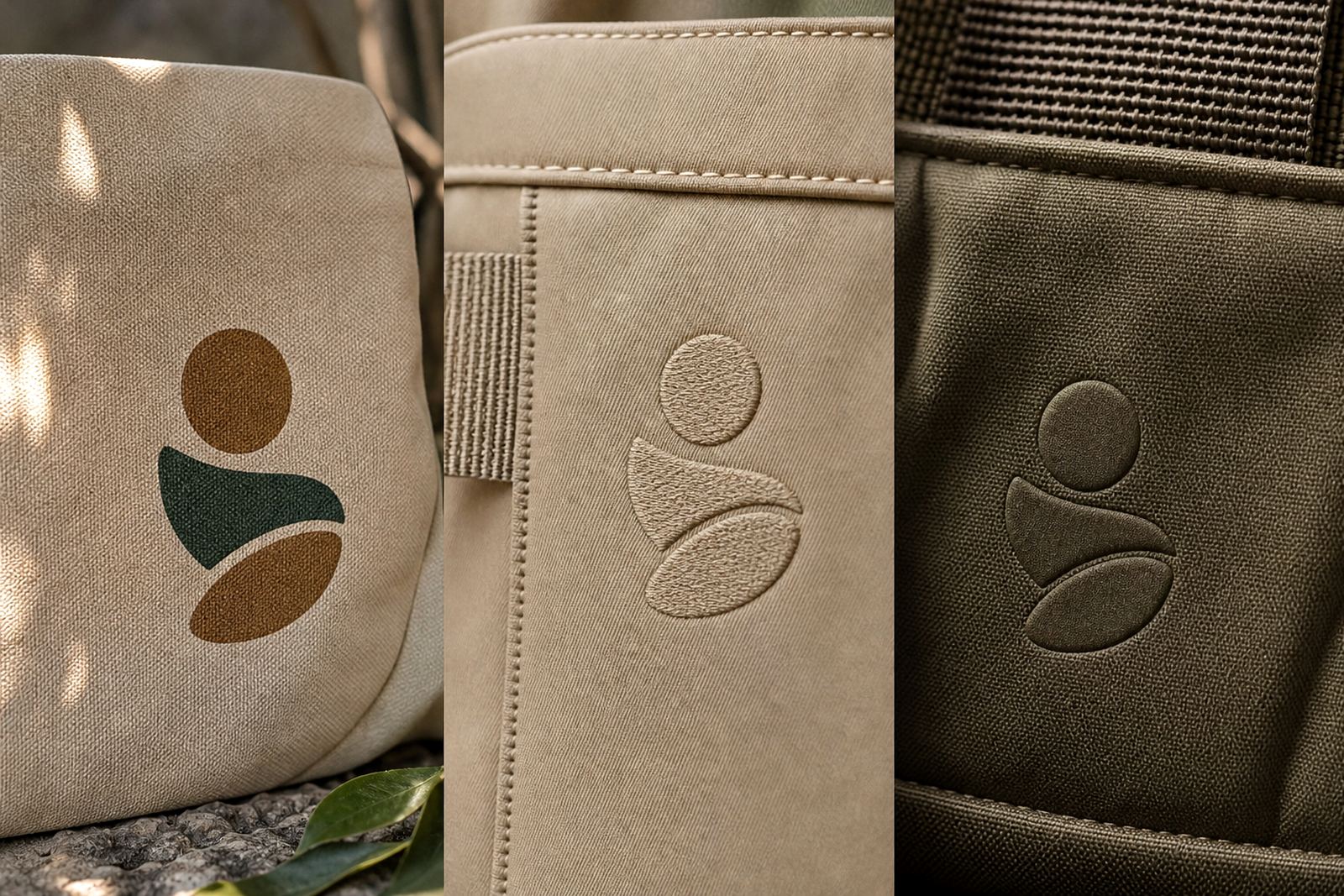
As a rule, send the strongest version of your logo first. If there are different versions in your brand pack, choose the one that suits the bag size and decoration method. A one-colour version often works well for embroidery or debossing, while a full colour version may suit heat transfer or print.
- Best files: PDF, AI, EPS or SVG
- Use a high-resolution PNG only if no vector file is available
- Do not send screenshots or images pasted into a Word document
- Keep the logo in its correct colours unless you want a single-colour version
Match the artwork to the bag style and branding method
Not every logo treatment works the same way on every belt bag. A compact front pocket gives you less space than a larger body panel, so fine text and thin lines can disappear. Embroidery needs enough room for stitch detail, while screen printing and heat transfer each handle colour and texture differently. Debossing works best on simpler artwork with bold shapes.
When you are preparing artwork, think about the final use. If the bags are for a conference in Cape Town, a golf day in Pretoria or a staff kit in Durban, the artwork should stay clear from a few steps away and still read well in photos. That matters when teams wear them on site and at outdoor events.
- Keep logos simple if the print area is small
- Avoid tiny tag lines unless there is enough space
- Use strong contrast between the logo and bag colour
- Check if the artwork will sit on the front, side or flap of the bag
If you are not sure, send the logo with a note on where you want it placed. It is easier to set the layout correctly at the start than to redo it after approval.
Set clear colours and brand rules
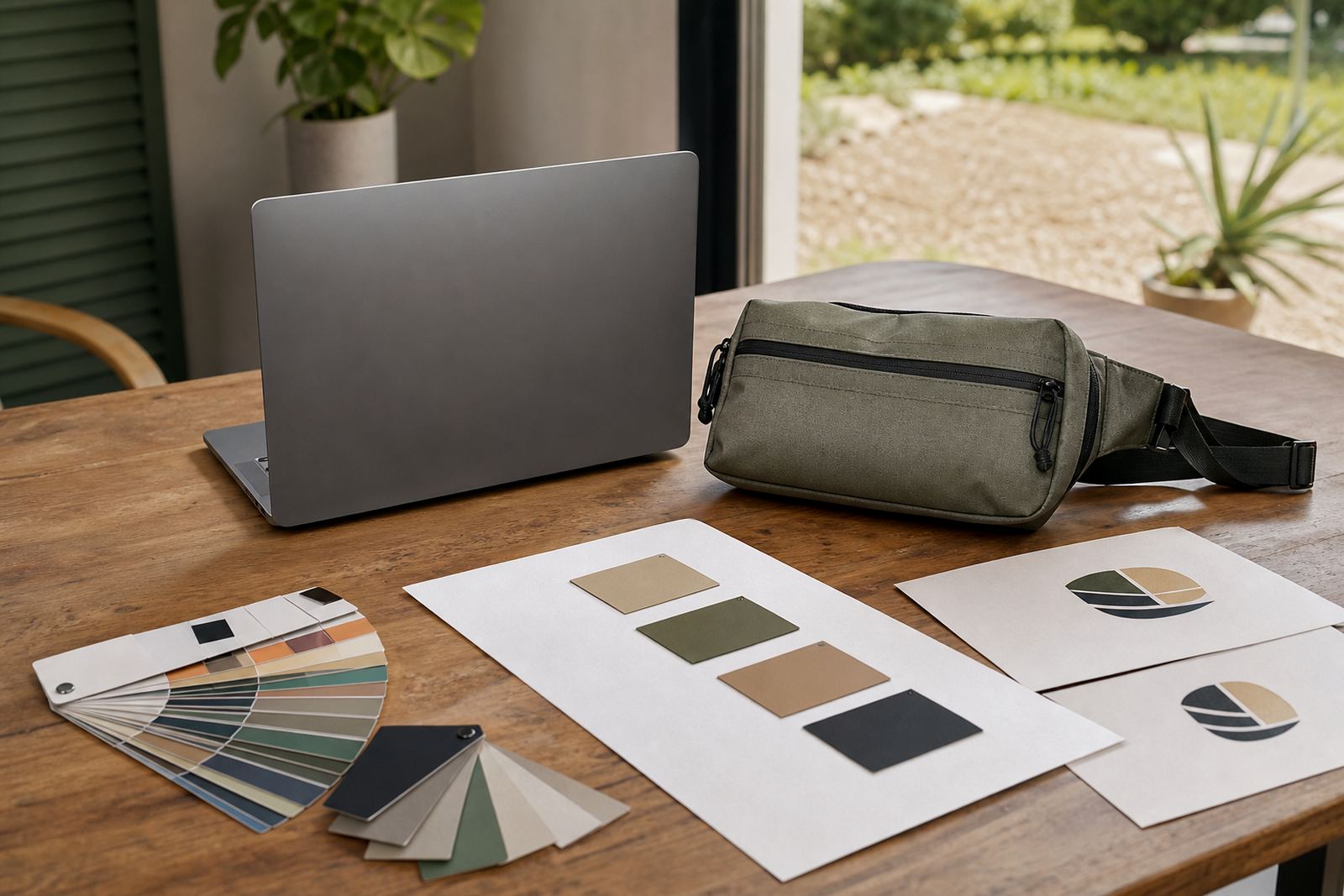
Colour accuracy matters, especially when the same bag order is going to different branches or event teams. If your brand has defined colour values, include them. Pantone, CMYK and RGB all help, but Pantone or a clear visual reference is best for printed items. On darker bags, bright logos can shift slightly if the background absorbs more ink, so a proof check is worth it.
Give us any brand rules that must be followed. That may include minimum logo size, spacing around the mark, approved background colours, or whether the logo can be reversed out in white. If your business uses a strict corporate identity, this saves time and avoids unnecessary changes.
For coastal deliveries, especially in places like Gqeberha or Durban where humidity is higher, we also suggest checking how the chosen finish will look after packing and transport. It helps to approve the artwork with the actual bag colour in mind, not just the logo on a white page.
Build the layout with safe space around the logo
A good layout does more than place the logo in the middle and hope for the best. Leave enough clear space so the branding can breathe and the bag still looks tidy when worn. On small promotional bags, cluttered layouts often make the artwork feel heavy and reduce visibility.
Use these checks before you send through your layout:
- Keep all text readable at a glance
- Leave a clear margin around the logo
- Place key details away from seams, zips and stitching
- Make sure artwork is centred if that suits the design
- Check that no part of the logo gets cut off when the bag folds or closes
If you want names, event dates or departmental wording added, keep that text short. The more text you add, the smaller everything becomes. For corporate events across South Africa, a clean logo and one short line usually works best.
Prepare files for approval and print setup
Before artwork moves into setup, check that all fonts are outlined or converted to paths if required. This avoids font changes on different systems. If your artwork contains linked images, make sure they are embedded or supplied separately at high resolution. Low quality images can blur once the file is enlarged for production.
Please also name your files clearly. A file called Final_logo_v3 is more useful than something generic. Add the bag type, branding method and colour version if you can. That makes it easier for our team to match the right file to the right order, especially when there are split deliveries to Johannesburg, Pretoria, Cape Town or Durban.
- Check spelling on all names, dates and slogans
- Confirm the correct company name and division
- Make sure the artwork is set to the right size in millimetres
- Include notes if the logo should be larger, smaller or moved
What to send with your enquiry form submission
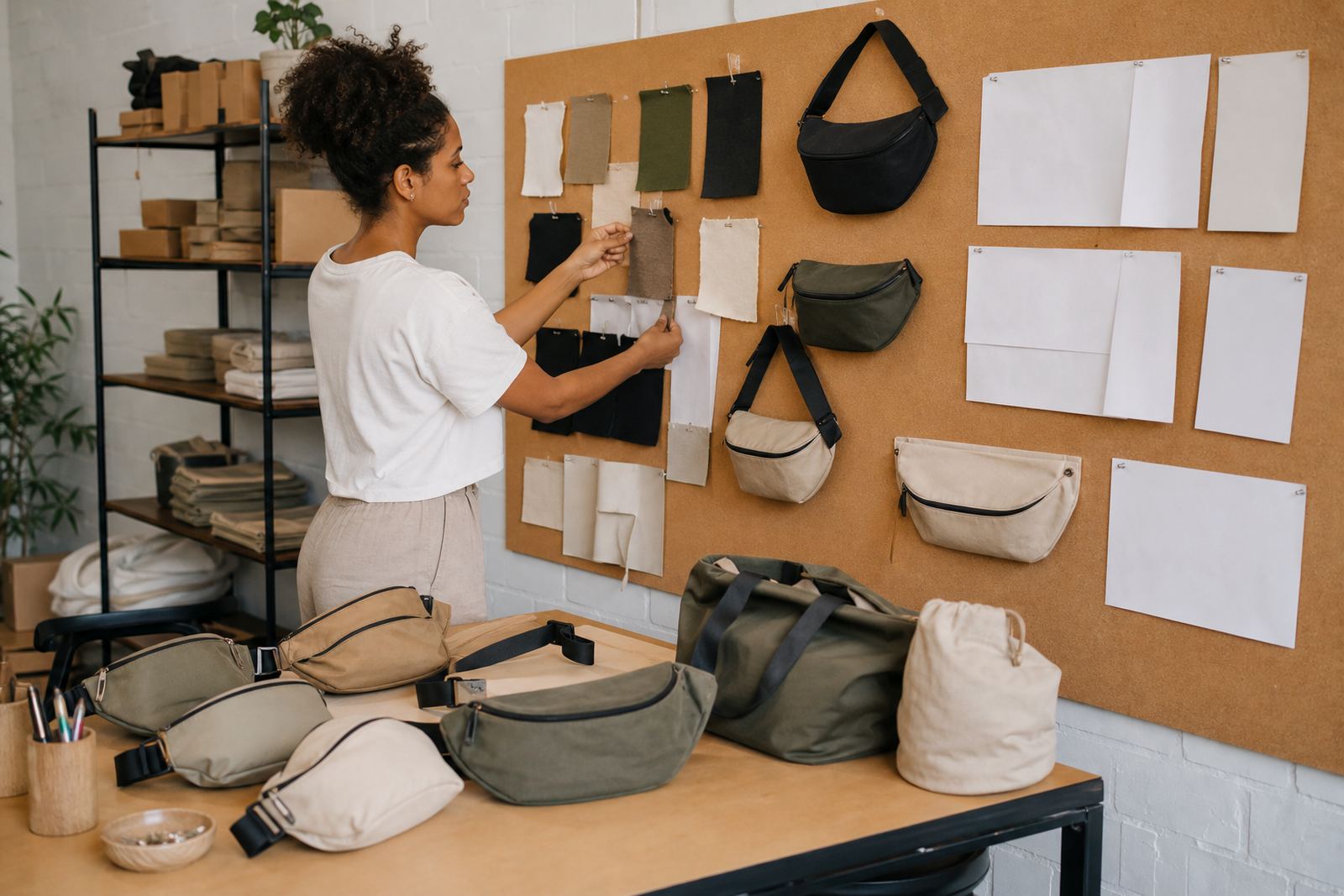
To speed up approval, send the artwork with a short brief. That should tell us what product you want, how many units you need, where the logo should go and when you need delivery. If the order is for a launch, conference, roadshow or staff pack, say so. It helps us plan sampling, packing and dispatch properly.
Useful extras include a reference image, preferred colour options and any instruction about split delivery between branches. If you need rush orders, say that early. It gives the production team time to check whether the artwork can be set up quickly enough without sacrificing quality checks.
When the details are complete, approval is usually much smoother. Our team can then work through artwork setup, branding method selection and final checks before production starts.